01 · DESIGN
Design it.
Enter your board dimensions, then shape the structure in the Builder.
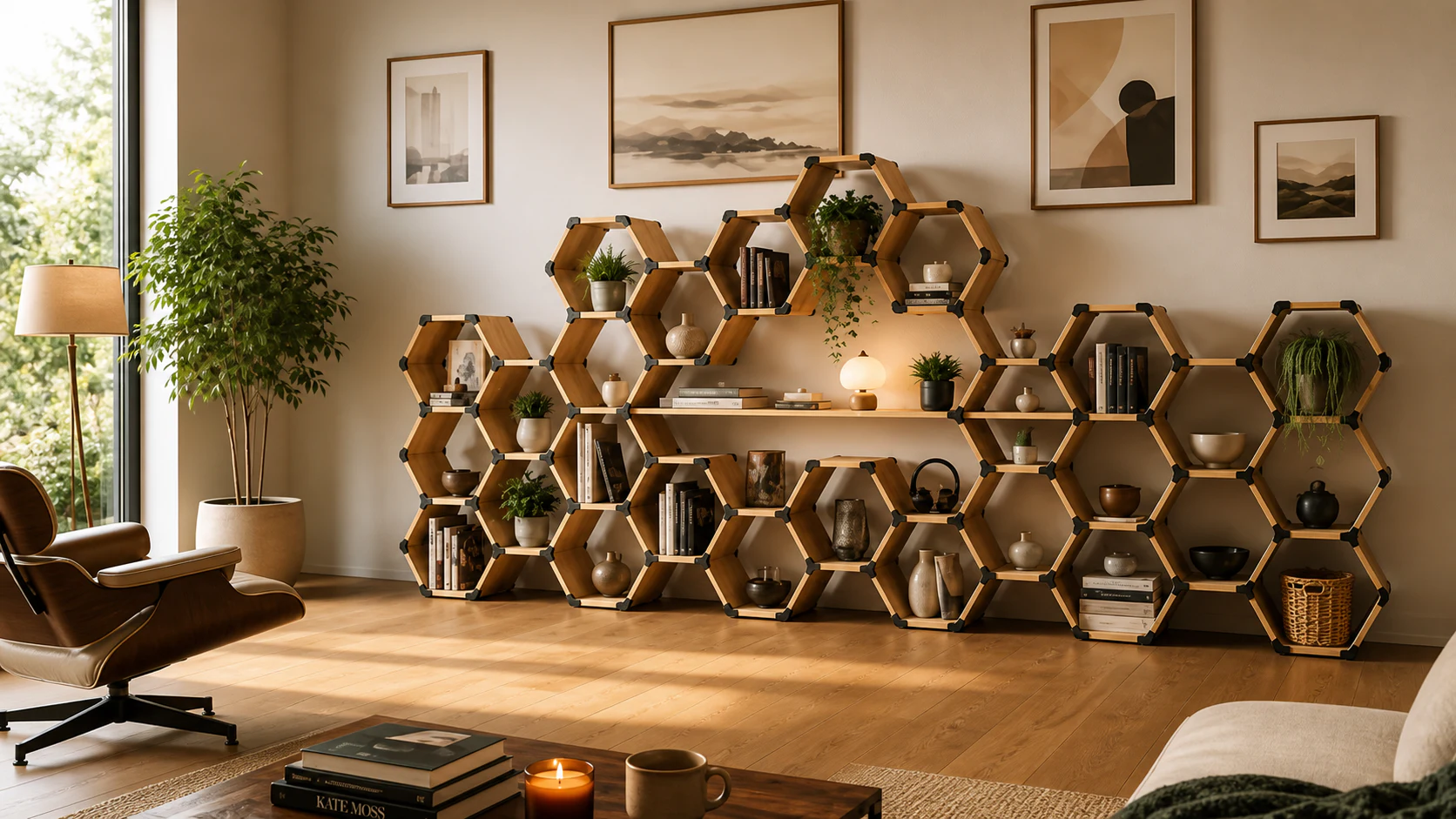
Design modular furniture in your browser, then download the matching connectors, board list and project PDF.
Printed connectors join ordinary boards. Start with one hexagon and grow the layout to suit your space.
Open the Build GuideEnter your board dimensions, then shape the structure in the Builder.
Cut the boards and 3D-print the connectors.
Print one connector and test it on your actual board before printing the full set.Use the project PDF to match the boards and connectors.
Shelves, storage or a place for your records. Shape a layout around what you want to keep in it.
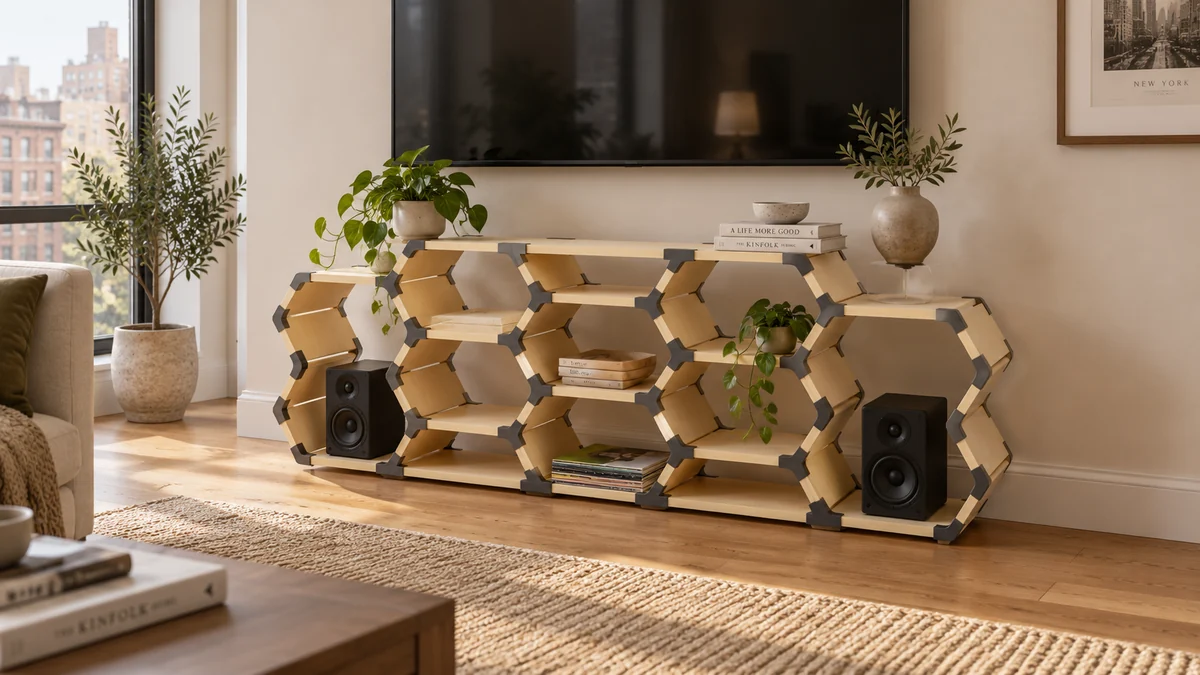
Music, books and a few favourite things.
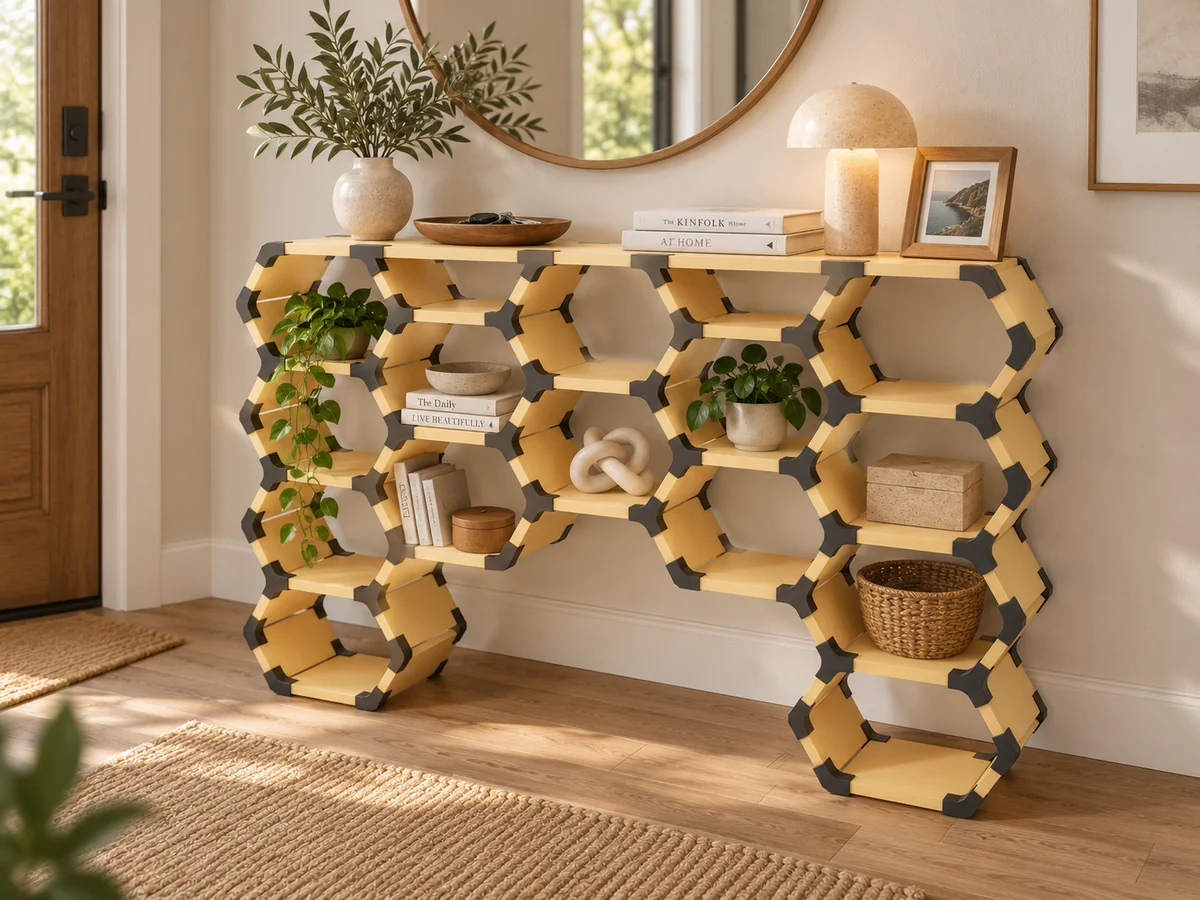
A place to land, and leave your keys.
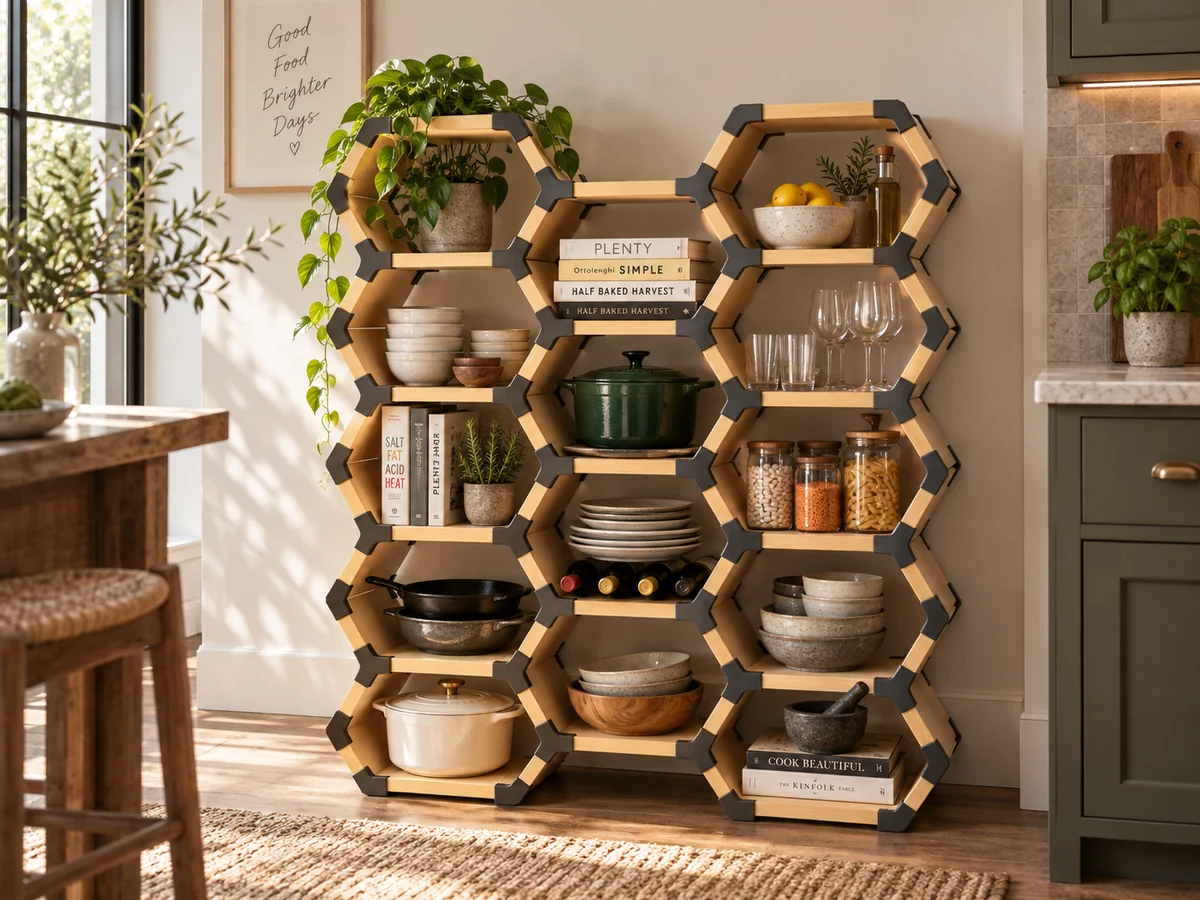
Everyday favourites, within reach.
Adjust the layout and dimensions. The parts list updates automatically; export a new build package when your design changes.
Open the Builder →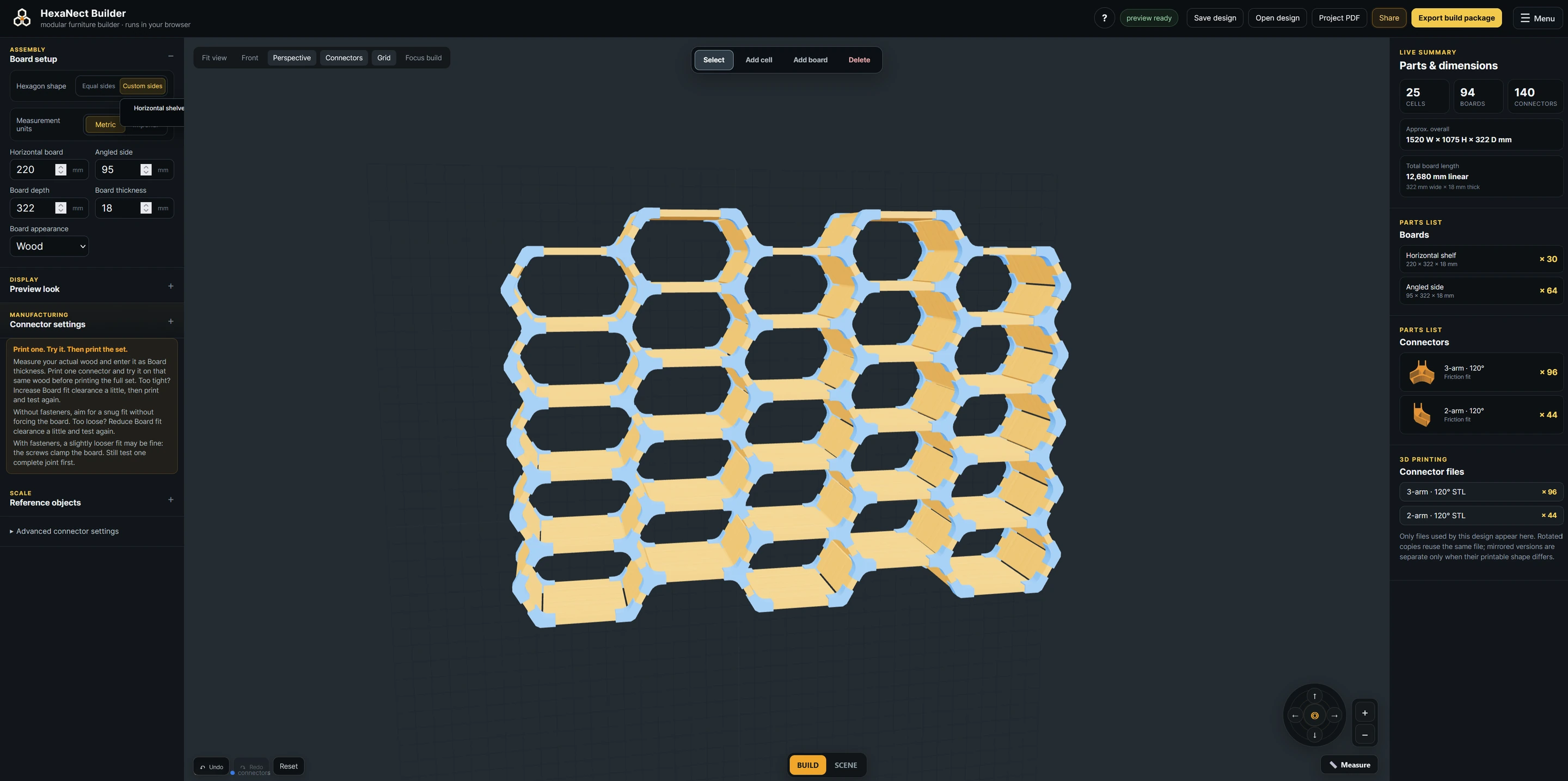
Yes. HexaNect is free to use and no account is needed.
A computer with a modern browser, access to a 3D printer and slicer, boards, and tools to cut them to size.
You can browse the site on any screen. The Builder is optimized for a computer, where there is room for the 3D view and controls, and you can prepare the downloaded parts for printing.
Yes. Print one connector first because boards and printers can vary slightly.
The Build Guide covers fit, fasteners, wall mounts and the project download. The Story page explains how HexaNect began.
Start from an example or a single hexagon. Change the dimensions, add cells and shelves, and let HexaNect generate the parts.
Open the Builder →